• Agenda
  • Event information
    • Hotel
    • Transportation
    • Know before you go
  • Tickets
  • News & Media
    • Adistec Connect 2025
    • Adistec Connect 2026
    • F1 News
  • Register

Event Tickets

Your daily access ticket will be emailed to you within 24 hours before each day’s event. Make sure to follow instructions below to ensure receipt of your ticket.

The Adistec Badge received at the Event Registration Desk is required for Entry.
  • Step 1

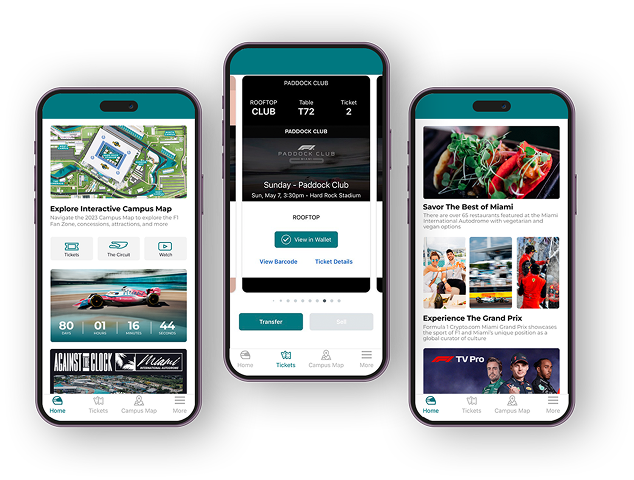
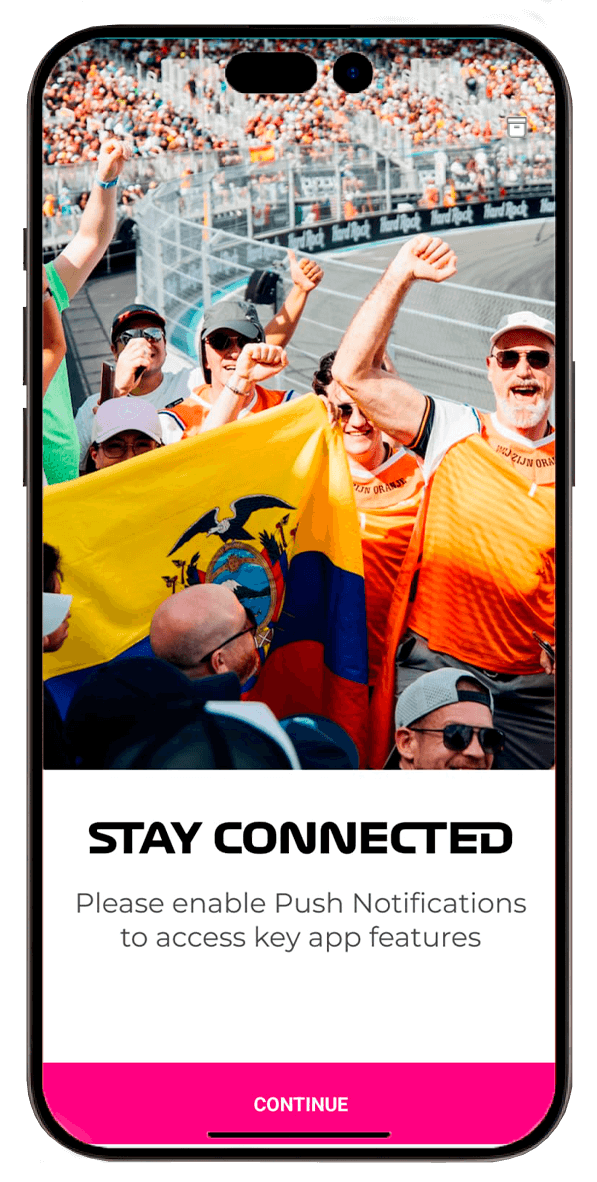
    Download the app: F1 Crypto.com Miami GP to your phone, click here.

  • Step 2

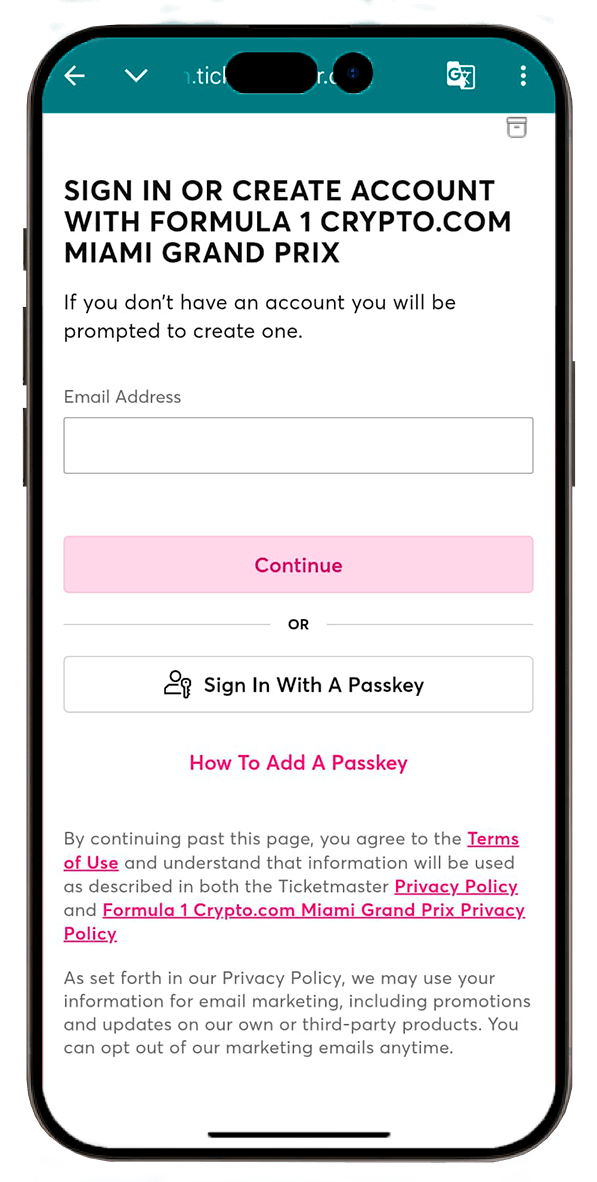
    Create an account on the app to activate your ticket.
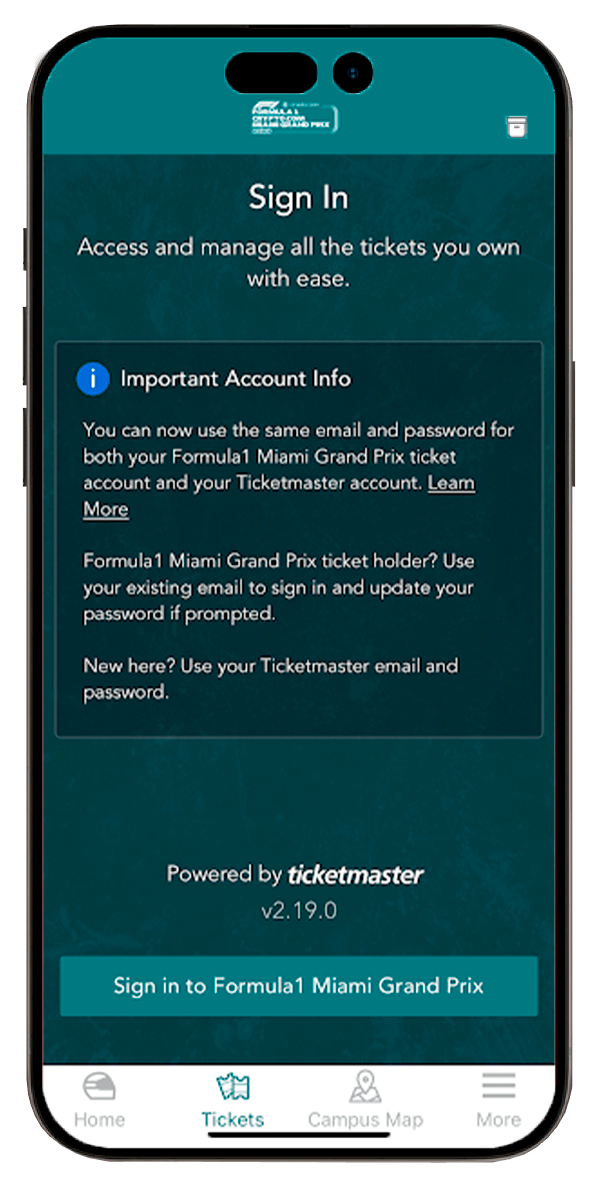
    If you are using your existing ticket master account skip to Step 4

  • Step 3

    If you created an account,
    you must verify your email.

  • Step 4

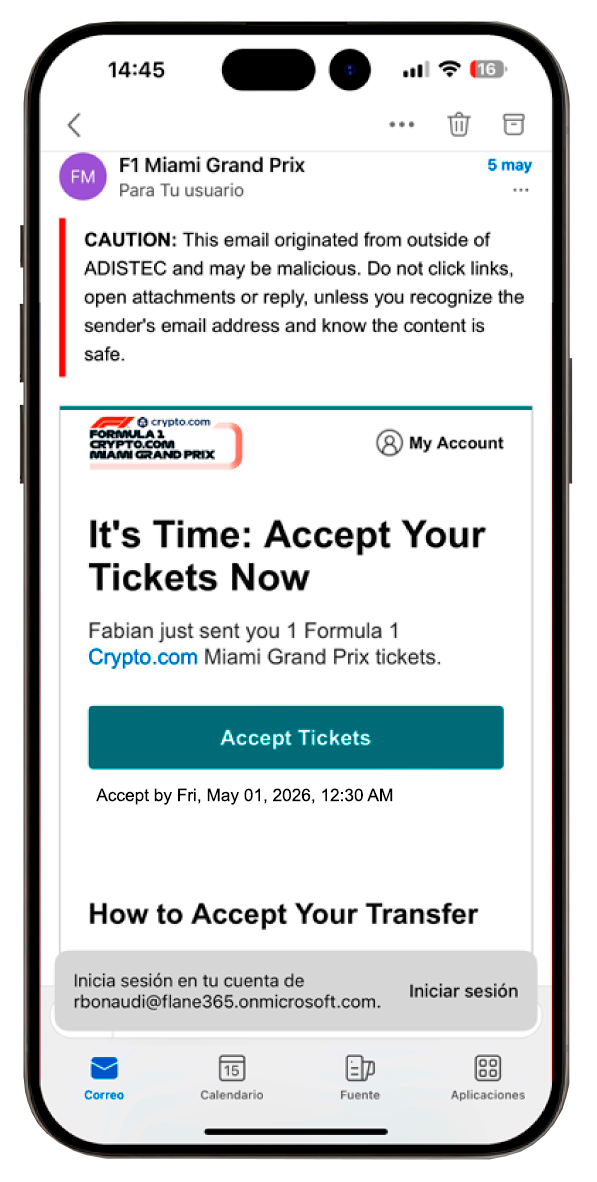
    You will receive an email to register your ticket. Click on “Accept Tickets” and transfer the ticket to the app.

Important information

Make sure to save your digital ticket to your Apple Wallet or Google Wallet for easy access to entry. Internet may be spotty and can affect accessing your ticket via email.

DO NOT Save to Photos, as images or screen shots of your ticket will not be accepted and will not provide entry


  • Google Play
  • Apple Store

Join the conversation:

#AdistecExperiences